
One renderer owns the frame.
Scene collection, culling, sorting, instancing, shadows and post-processing stay backend-neutral.
Modern Web graphics engine
Build high-performance 2D and 3D experiences with a modern TypeScript graphics engine. Run the same scene on WebGPU and WebGL 2, customize every render pass, and stay in control from scene to screen.
npm install --save-exact hilo3d@next
WebGPU · WebGL 2
 PBR + glTF
Render Graph
WebGPU
WebGL 2
PBR + glTF
Render Graph
WebGPU
WebGL 2
Live engine studies
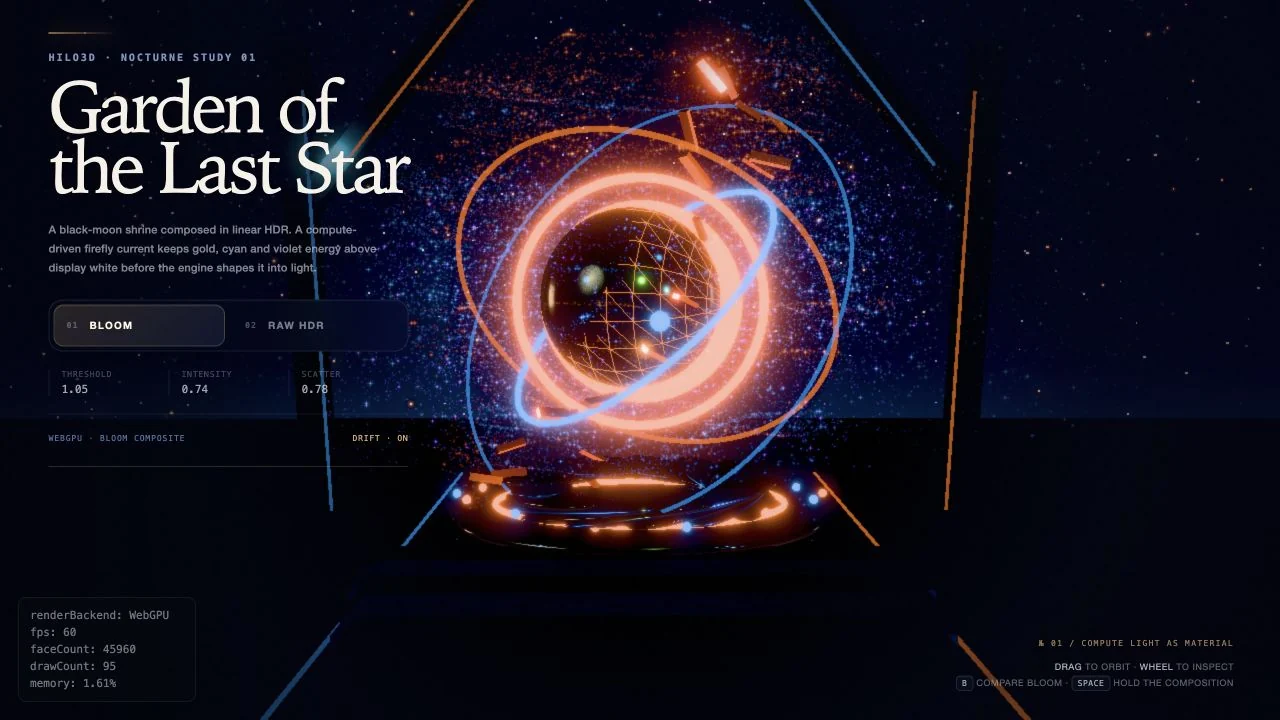
32,768 compute-driven fireflies feed a linear HDR scene before the engine shapes that energy into light.
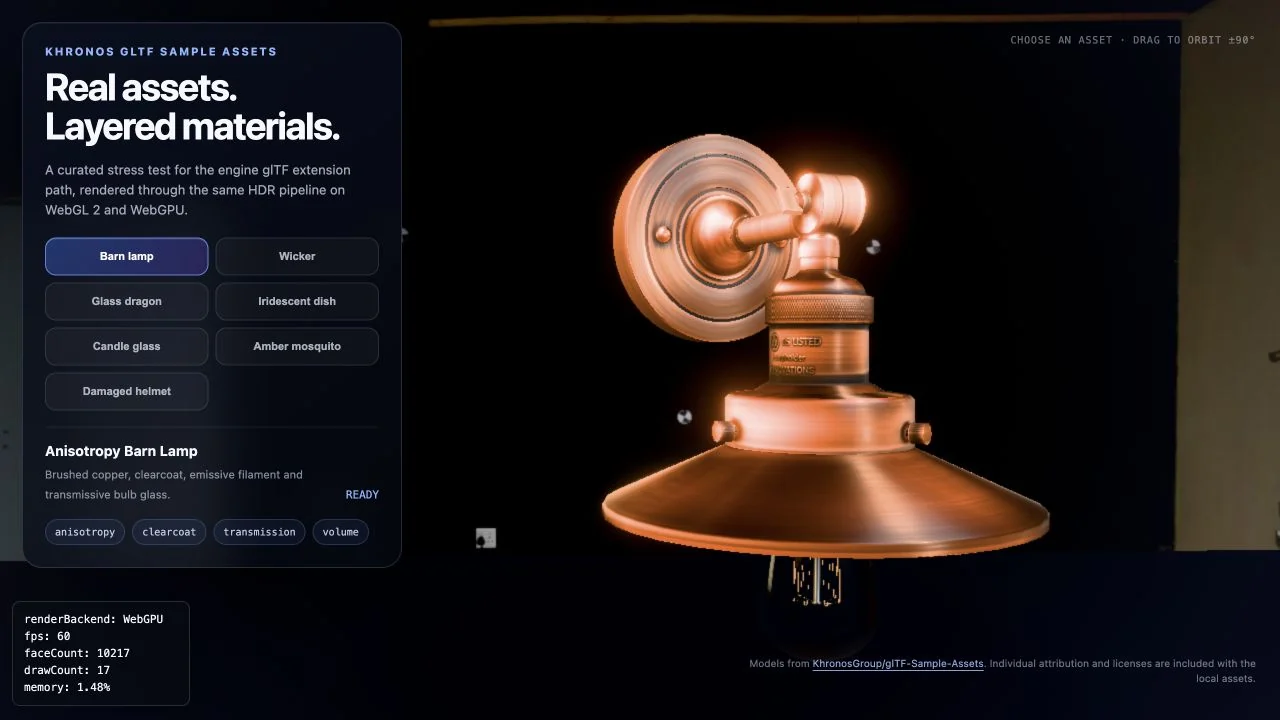
Clearcoat, transmission, volume and anisotropy on Khronos assets.

Denoised tracing, spectral caustics and HDR output in one GPU path.
Rendering architecture
Scene processing, draw preparation, shadows, post-processing, and resource lifecycle stay in one shared frontend. Every frame is compiled through a validated Render Graph and executed through native WebGPU or WebGL 2 backends.
Scene collection, culling, sorting, instancing, shadows and post-processing stay backend-neutral.
Invalid dependencies stop before GPU work. Frame-local state commits only after a valid submission and rolls back on failure.
Resources, pipelines, bindings, commands and recovery cross the RHI while native access stays inside backend boundaries.
Production showcase
Hilo3D has powered character worlds, social games, and interactive 3D products at real consumer scale.
Character creation and an immersive personal 3D world.
A playful physics-driven stacking experience built for mobile.
A colorful isometric planet filled with interactive 3D spaces.
Start building
Create one asynchronous stage. Auto mode selects a compatible WebGPU adapter first and uses WebGL 2 when WebGPU is unavailable.
import * as Hilo3d from 'hilo3d';

const stage = await Hilo3d.Stage.create({
    backend: 'auto',
    container,
    camera
});

new Hilo3d.Mesh({
    geometry: new Hilo3d.BoxGeometry(),
    material: new Hilo3d.PBRMaterial()
}).addTo(stage);Open source · MIT